

Please be courteous with the product so everyone can
have a great experience.
Please be courteous with the product so everyone can have a great experience.
Inquiries to C-POWER stations
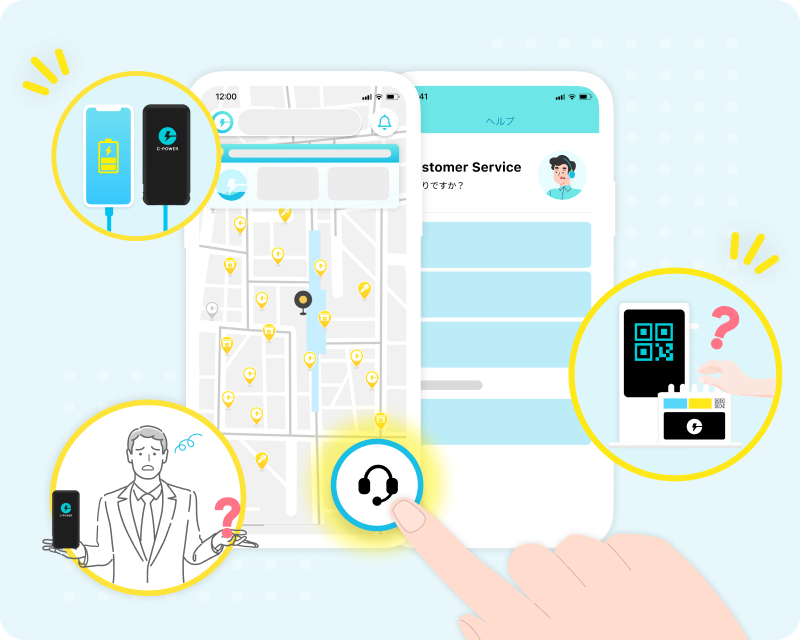
The location which the C-Power station is in will have limited support to the services.
For any issues, please contact customer support via the app.
How to return
If all slots are full, please do not leave the power bank.
Use the app to find another C-POWER station (marked with yellow pins) and return it there.
Your rental time will continue if the power bank is not returned properly.
Use the app to find another C-POWER station (marked with yellow pins) and return it there.
Your rental time will continue if the power bank is not returned properly.
If all slots are full, please do not leave the power bank. Use the app to find another C-POWER station (marked with yellow pins) and return it there.
Your rental time will continue if the power bank is not returned properly.
Your rental time will continue if the power bank is not returned properly.
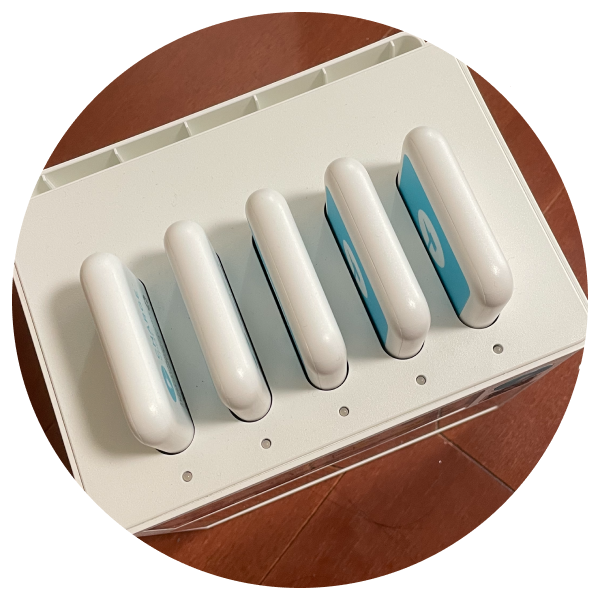
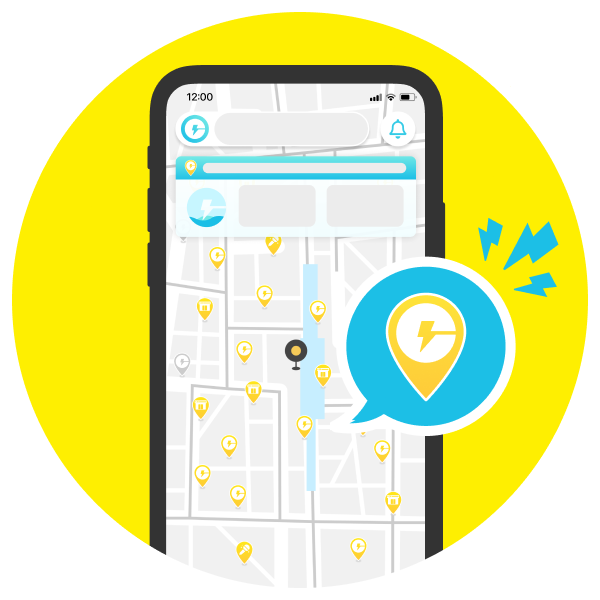
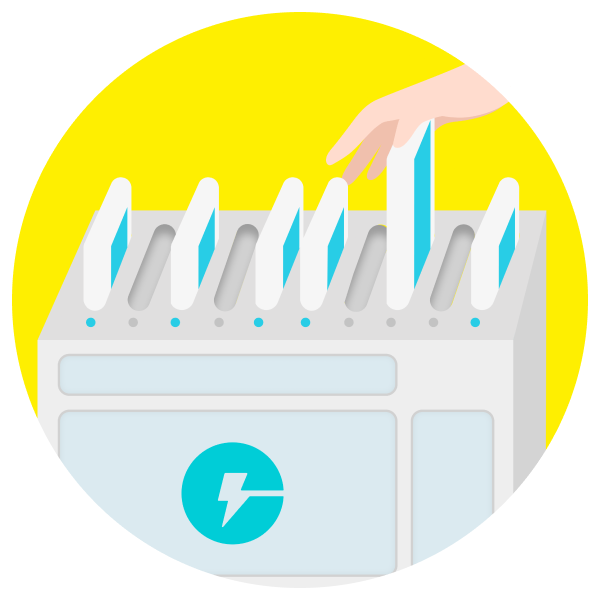
When all slots are full
Find another available station
(marked with yellow pins)
using the app
(marked with yellow pins)
using the app
Find another available station (marked with yellow pins) using the app
Return C-POWER
When all slots are full
Find another available station
(marked with yellow pins)
using the app
Return C-POWER
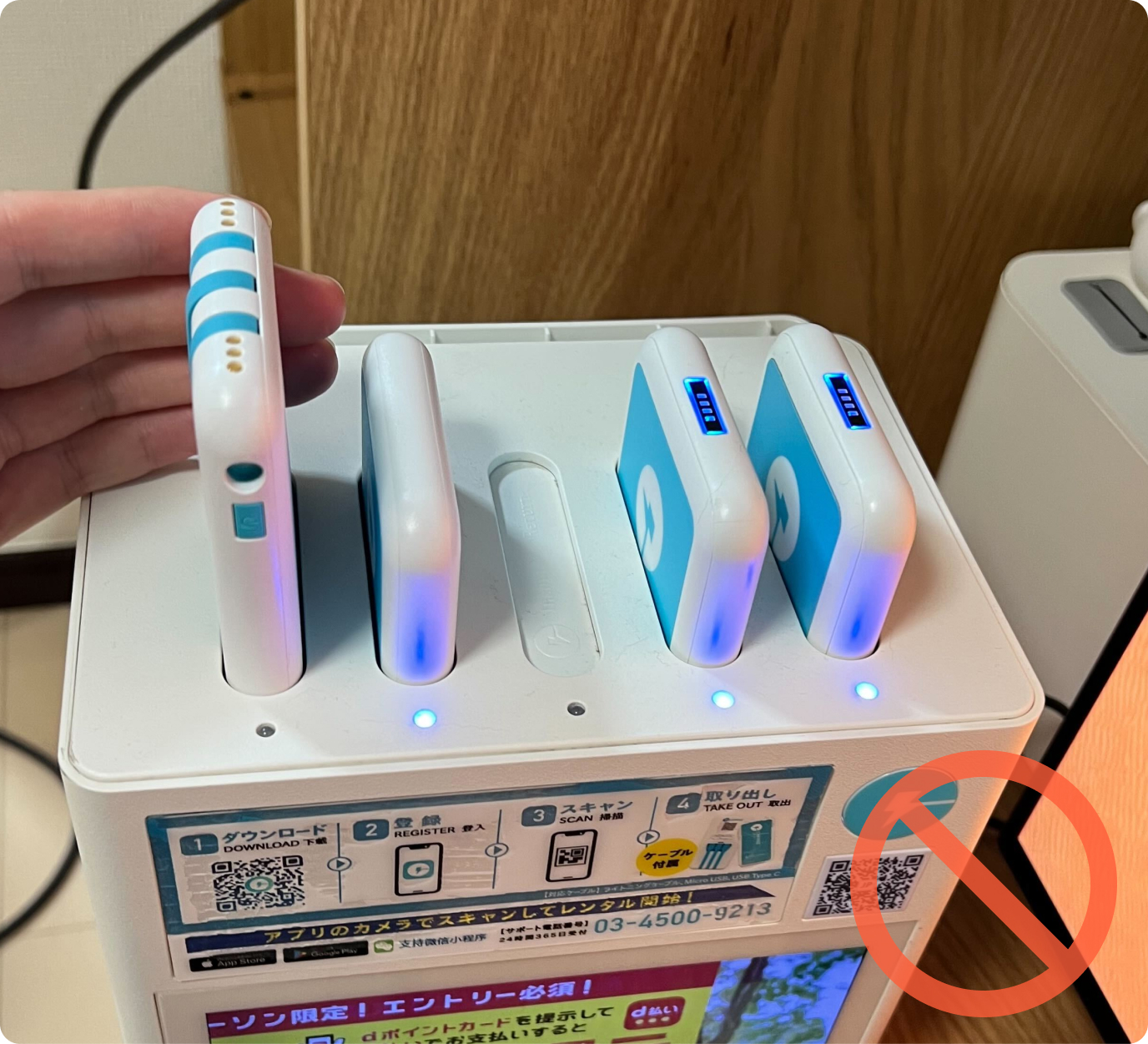
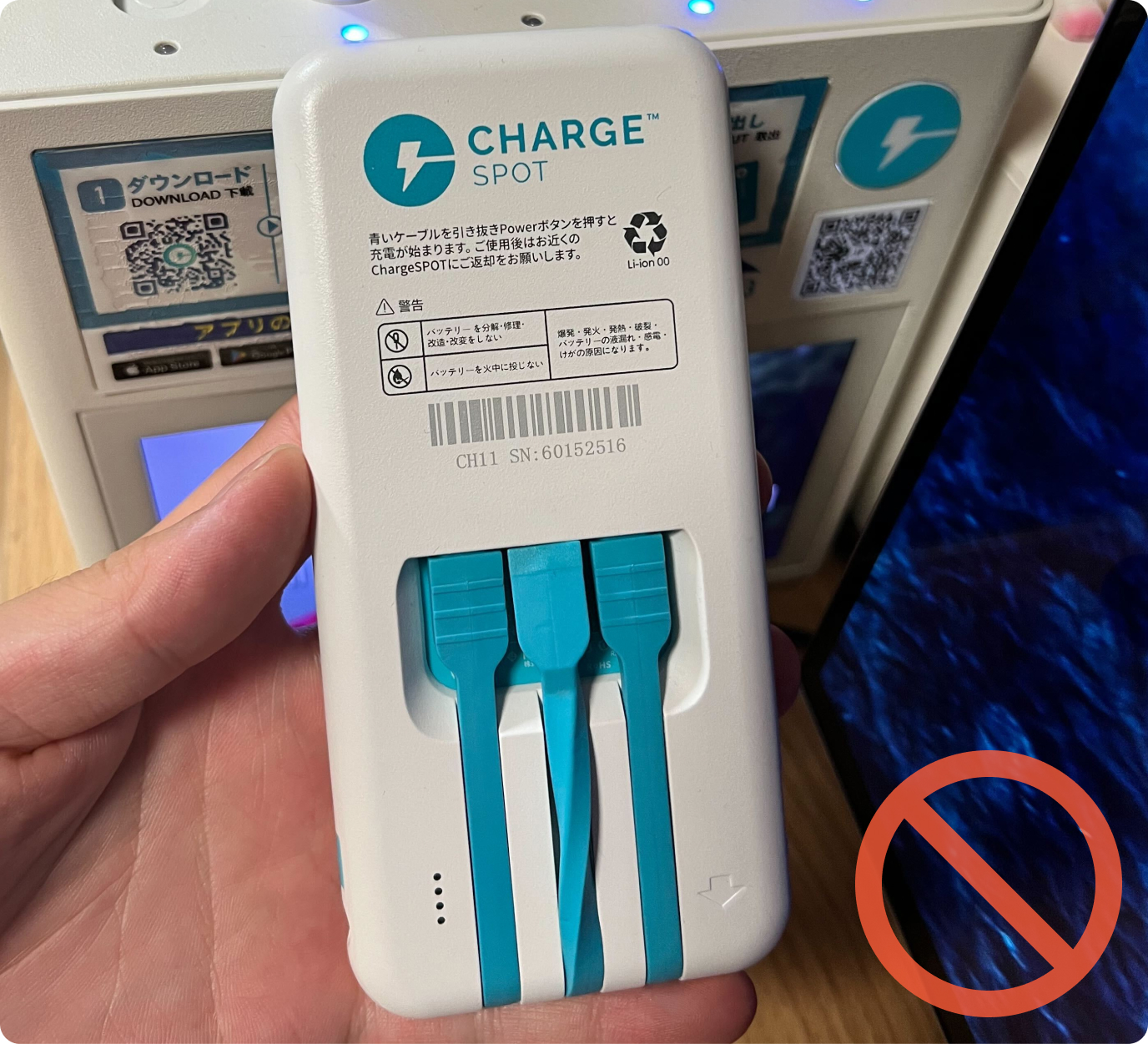
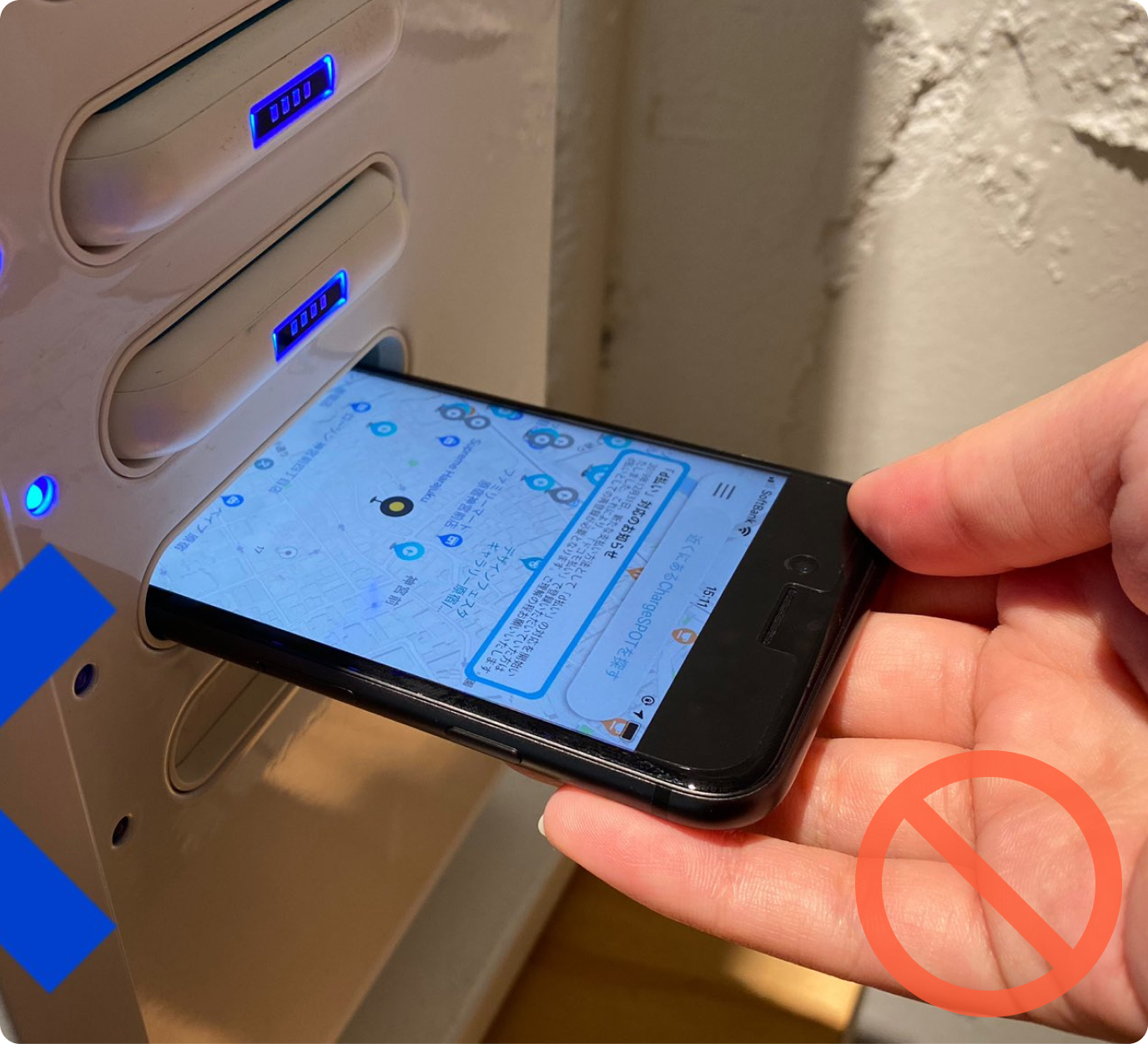
Incorrect return
Do not return the C-POWER backwards, with loose cables, or with any inappropriate items in the slot.
Do not return the C-POWER backwards, with loose cables, or with any inappropriate items in the slot.
Examples of Incorrect Returns – will impact rental completion
FAQ
How do I rent the power bank?
Find a nearby C-POWER station on the app, touch “Rent a Battery” on the station screen, then tap your card or device on the reader to start.
How to I return the power bank?
Return your power bank to any nearby C-POWER station by using the app to find an available slot. You can return to any available station.
What are the payment method for the power bank rental?
( Text wraps to the next line)
You can pay with credit card, Apple Pay, or Google Pay.
What is the cost of rental?
Please check the latest rates in the C-POWER app.